
As stated on our main page, we offer the following services on our site –
- Hardware Installation / Repair
- Software Installation / Maintenance
- Data Management
- Virus Removal
- Network Setup
- Multimedia Configurations
- Virtualization
You can review more detail about our services in the section below:
Hardware
A proper installation is always a pivotal part of setting up your computer system and associated peripherals. Just because it may seem like a daunting task….. it doesn’t have to be. We specialize in getting your equipment setup to your expectations, whether it be a computer purchased at a store, or a custom built system
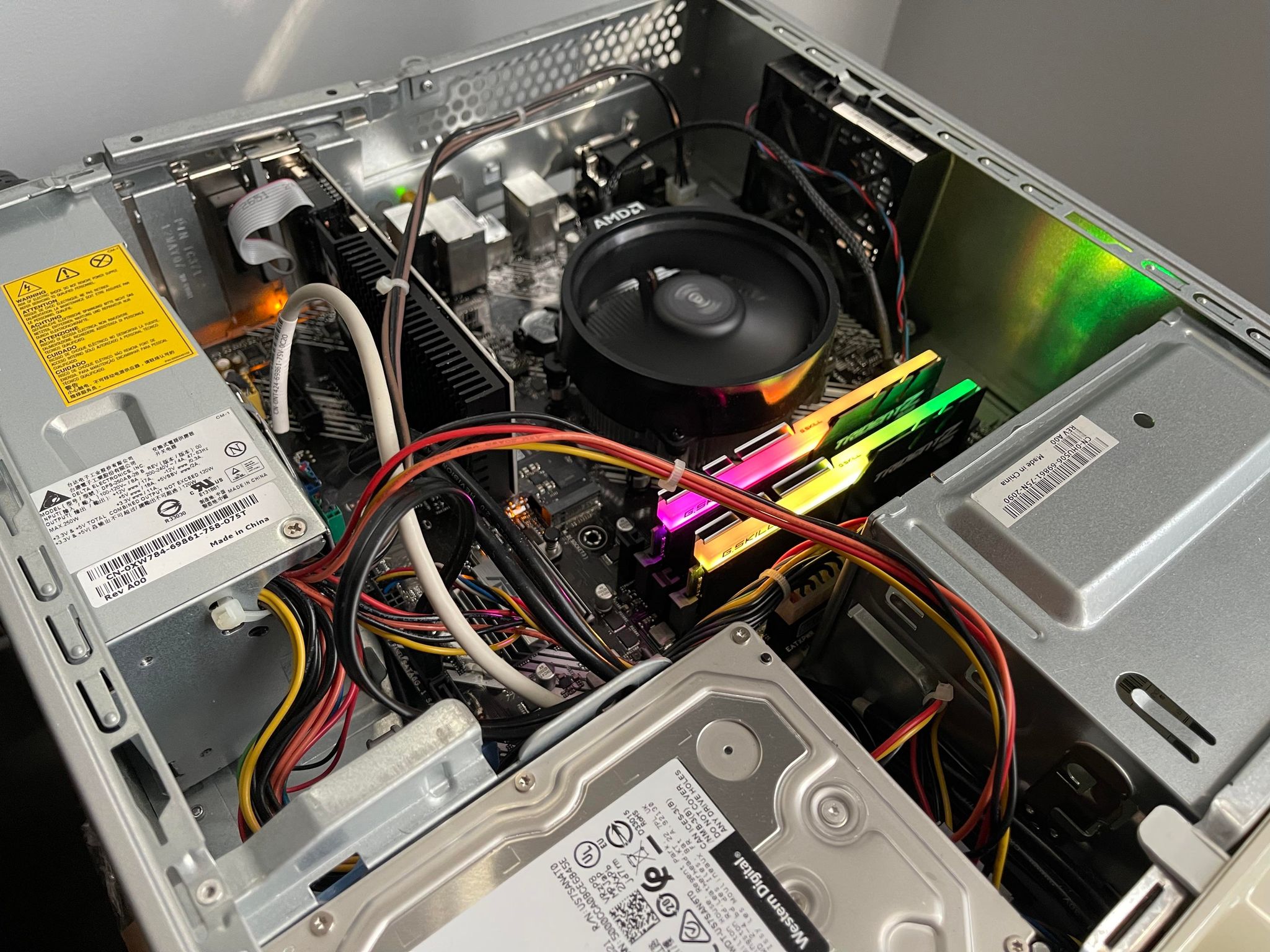
Once installed, much like other types of machinery, computers need to be running in a healthy state in order to provide optimal performance. Few of the more common components which are pivotal for this are processors, memory, hard drives, power supplies, and graphics cards. Any of which can cause an issue with performance, or even being able to properly boot into your system
We provide options to review and repair all of these items at your convenience to not only help diagnose your system, but also identify the culprit which is causing the problem, and replace it to restore your system back to working order. All of our hardware diagnostics come standard as part of our service, and we will test the machine’s core components using known testing utilities
Software
In retrospect to getting the hardware installed, once setup it requires software in order to operate it. That’s where your operating system comes in. There are quite a few to choose from, whether it be Windows, Macintosh, or Linux. We can help offer to get things setup per your requirements
As well as setting up the operating system, we also can help assist with installing a variety of different applications that you may need to utilize on a daily basis. Items such as word processors, email, or even your favorite photo editing software. We have got you covered to help get it deployed
After software is installed, we also offer maintenance and repair services if in the event your software runs awry. A variety of things can cause this to happen such as hardware failures, invalid drivers, corrupted software, or even virus infections. We will work with you to help restore your operating system and software back to working order
Data Management
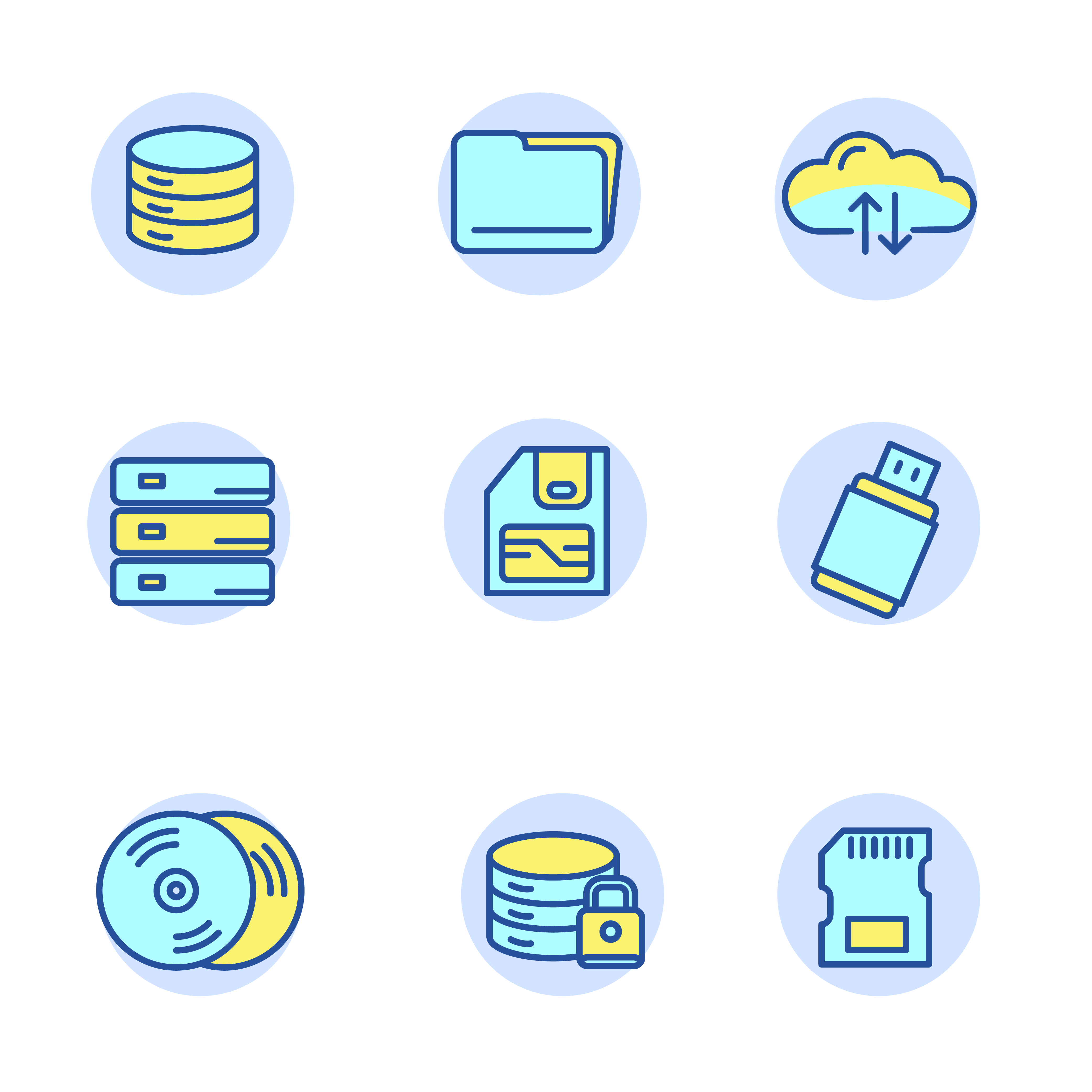
The world has evolved quite a bit since computers were brought on to the market back in the 90s. One of the biggest changes highlighted around the ability to add and manage your documents, pictures, music, and videos onto your computer system for storage and safe keeping
Storage arrays can come in many different shapes and forms. A few of the more common items consists of CDs, DVDs, flash drives, internal/external hard drives, cloud storage, and network attached storage (NAS) devices. Each of these hold their own specific features, benefits, and security
More importantly, is having the ability to both backup and recover this data in the event of a hardware failure. We provide insight on a variety of different options, whether you are running a single computer, a home network, or even in an office environment. We can provide a solution based on your requirements
Virus Removal
Within the world of information technology…… even computers can get sick. In an age where modern technology drives services online for purchases, downloads, file transfers, and other conveniences, rogue software can attack you in many ways to compromise your system
A computer system can become compromised in a variety of ways. Viruses, worms, trojans, malware, and phishing to name a few. They can enter your system in a variety of ways such as file transfers from external disks, emails, or even attempting to purchase something online
Fortunately there is medicine for a computer system to help address this. Common applications that handle this are anti-virus software, malware removal tools, even some built-in Windows applications such as Windows Defender and Windows Firewall. These applications can help to not only remedy an infected system, but also ensure that it remains protected from future occurrences. We can help assist to equip your system with what it needs to accomplish this task
Network Setup
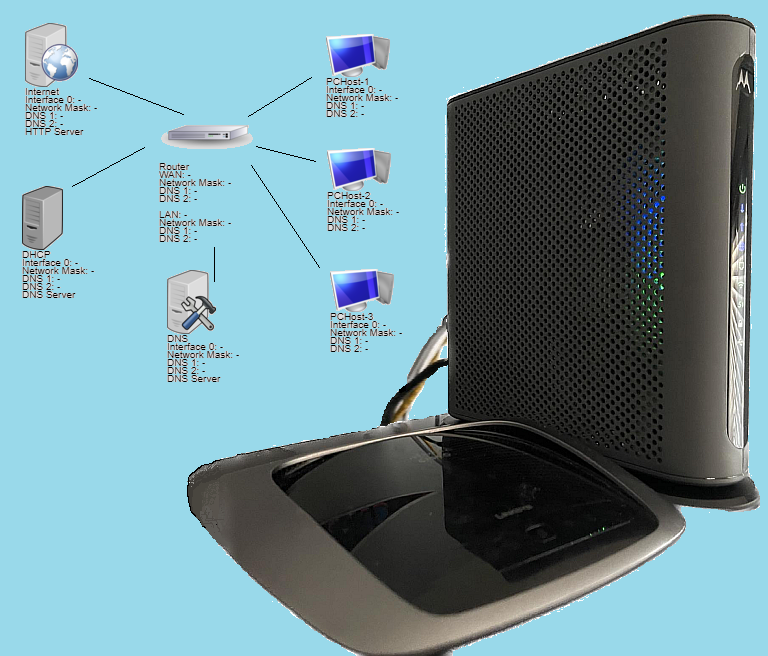
As computer systems have become more of a convenient commodity around both the household and office, being able to provide internet access to all of them requires a bit more hardware setup in order to get them all connected. Alas, we have cable modems, routers, switches, etc.
Broadband internet is generally distributed through either a modem. In the past modems ideally only allowed for one device to connect onto the internet via a USB (plug and play), or ethernet (cat5/cat6) cable. This would then require an additional hardware device known as a router, to interconnect all other devices within the house/office to bring them online. Not only did this provide internet access, but also interconnected all other devices and established a computer network. Here, along with the internet, this allows for a variety of other items that can be implemented and shared amongst others such as files, storage containers, and printers
As time has passed, these capabilities have become more convenient (For e.g. – modems/router combos, wireless access, etc), and as such…. can also present its own variety of setbacks and concerns. Some of which are security, access, and privacy. We can help assist with not only setting up your network to your specifications, but also ensure that it is secured and running so that you can browse the internet safely, and properly protect your information and data
Multimedia Configurations
It seems as we progress further with our technology, almost everything now-a-days has the potential to perform tasks and provide services over an interconnected home/office network
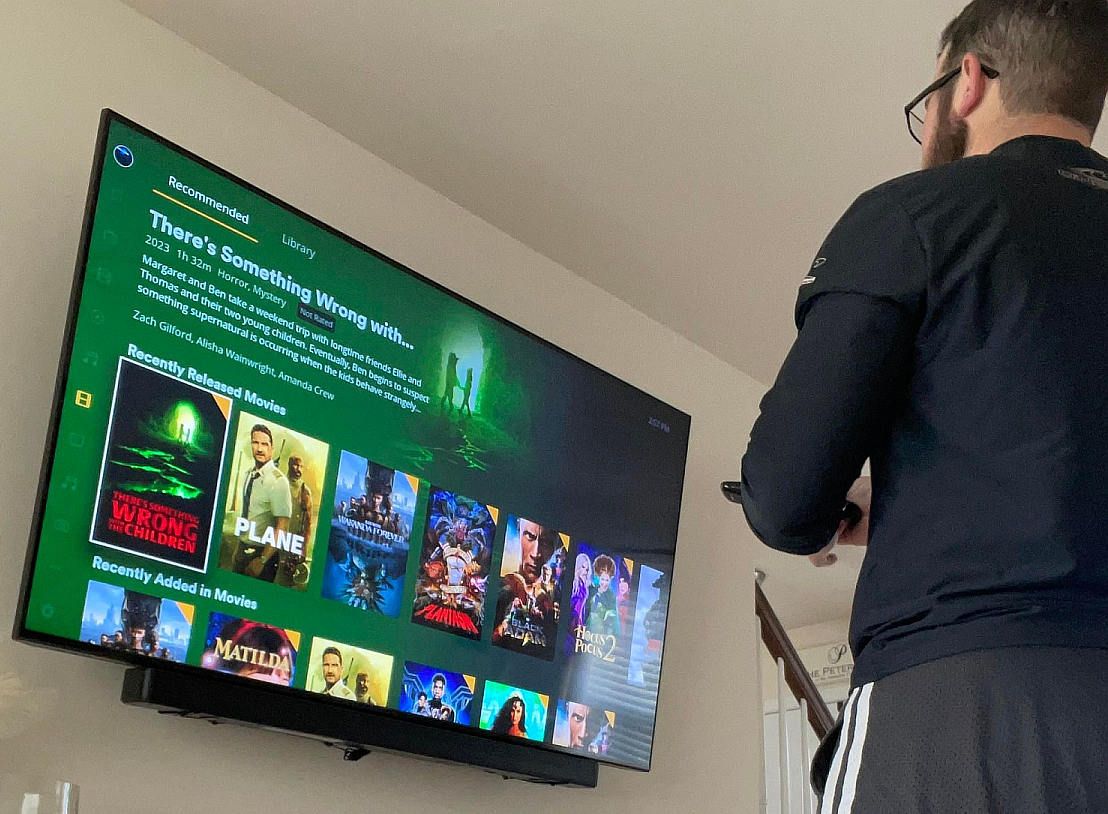
With wireless routers expanding in terms of range, functionality, and performance, so have typical household & office appliances. Early on it was simply having a portable laptop, or even your cell phone getting connect to your network. Now with the advent of “smart homes” everyday appliances such as TVs, speakers, lights, doorbells, security systems, even your pets litterbox (don’t judge – we own one) can be categorized together as IoT’s (Internet of Things) which can all connect within your network to help provide a more convenient lifestyle and/or work environment
Getting these items interconnected requires a little work with getting configuration settings in place in order to get them operational on the network. We will be able to help provide assistance with getting your devices online, and also troubleshoot them should any issues arise
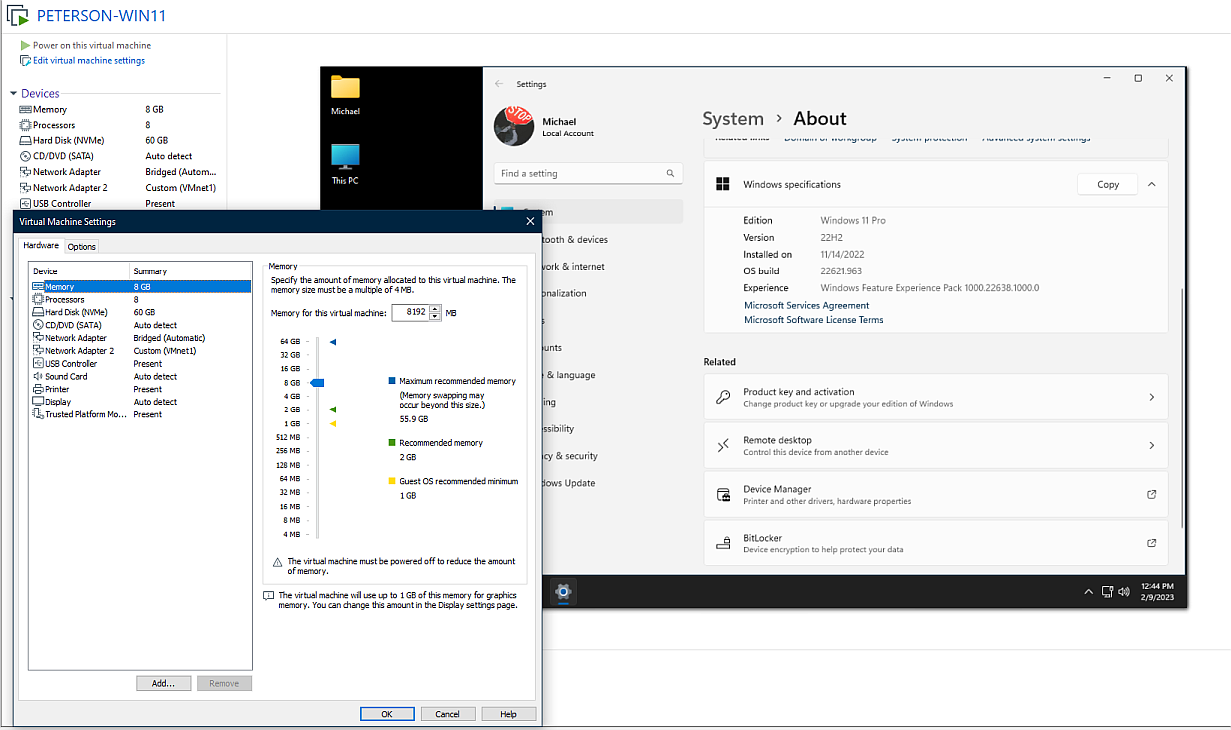
Virtualization
Virtual machines are basically what it sounds like…… taking what would otherwise be a physical computer system, and virtualizing it so that it runs within your existing computer system
Having the ability to use your existing physical computer, laptop, or server, to build separate additional virtual computers is not an uncommon trend. Businesses and organizations utilize this as a means for hosting certain applications that could not otherwise be run on their current operating system. The capabilities that virtualization offers is nearly limitless in the grand scheme of things. Say for instance you want to use your Windows operating system to host a database application that can only run on a Linux based operating system. Using a virtual machine can help assist to have both run simultaneously to meet those requirements
There are other various situations that can be used where virtualization becomes a very useful resource. Many users (ourselves included) use virtual machines as a means for testing newer operating systems that they would like to eventually upgrade to. Or perhaps you want to test out building a server lab and keep things isolated from your existing home network. There are software applications available that can help to accommodate that such as VMware, VirtualBox, and Microsoft Hyper-V. We can help assist with setting up a system that is most beneficial for your needs